whatsapp2pdf
Turn a WhatsApp chat export into a bubble-style PDF you can keep, print or archive. It includes photos, emoji and a cover page.
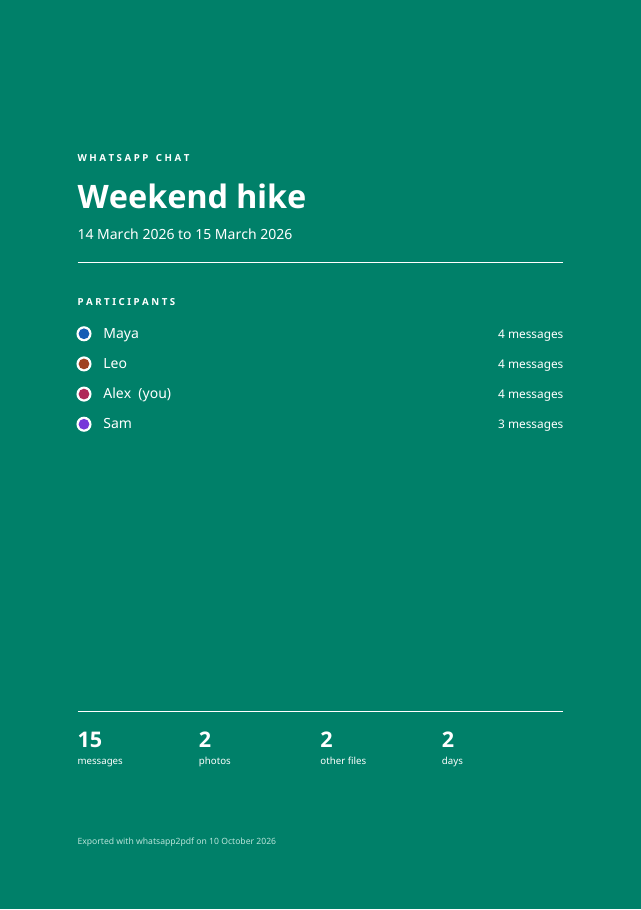
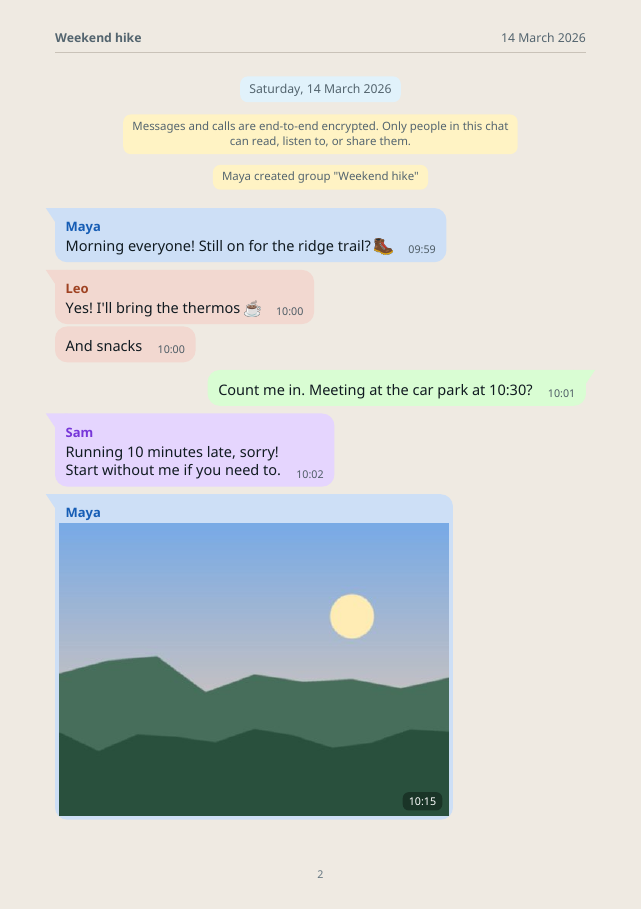
Both pages come from a made-up group chat; see scripts/make_demo.py.
Quick start
pipx install whatsapp2pdf          # or: pip install whatsapp2pdf
whatsapp2pdf "WhatsApp Chat - Family.zip" family.pdf --me "Your Name"
- Export the chat from your phone, with or without media.
- Run
whatsapp2pdfon the.zip(or the.txt). - Open the PDF. Your messages appear on the right in green, and everyone else gets their own color on the left.
What you get
- A cover page with the chat title, date range, participants and totals.
- Day separators, sender names, timestamps, and grouping of consecutive messages.
- Inline photos, plus cards for audio, video, documents and contacts.
- Large emoji for emoji-only messages, drawn from your system's color emoji font.
- A4, A5 or A6 pages, and a plain white mode for cheaper printing.
- Large exports of several gigabytes work: messages are streamed and media is read straight from the ZIP.
Private by design
Everything runs on your computer. No upload, no account, no network access. See Privacy & security.
whatsapp2pdf is open source under the MIT License. It is not affiliated with WhatsApp or Meta.